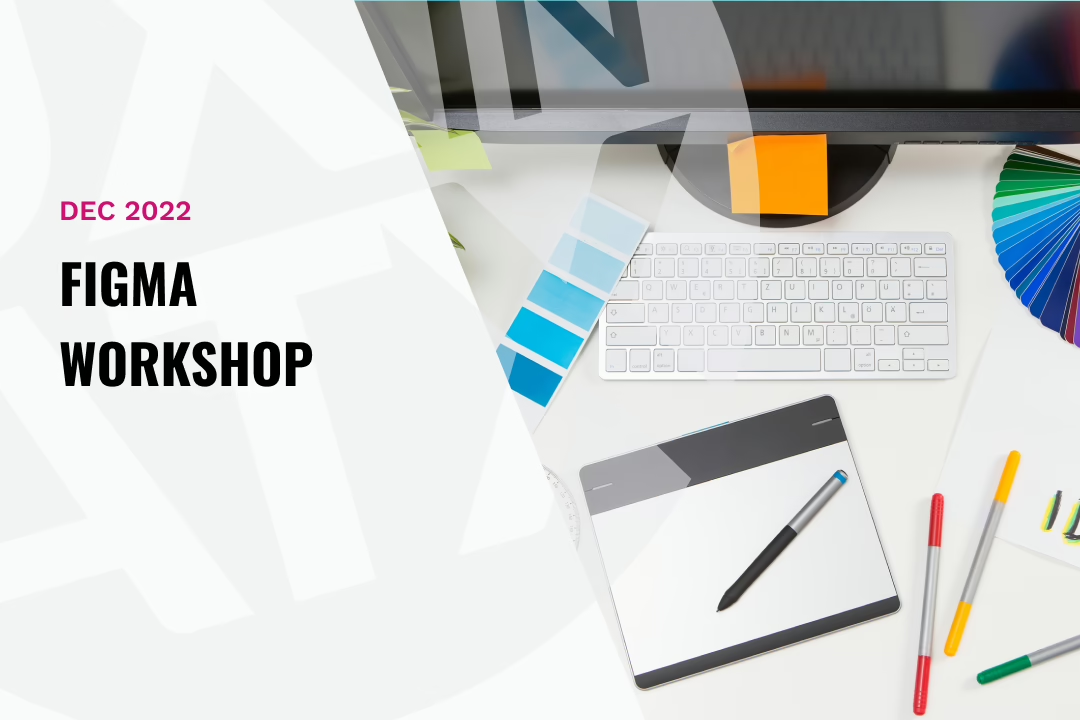
graphic text says Dec 2022 Figma workshop
|

Auto Layout in Figma

Learning a new tool such as auto-layout can be confusing or challenging for many designers, but Figma offers some extremely powerful and useful mechanics that can drastically improve your designs. In this session, our Figma expert, Nathan Flores, walked through auto-layout and its ability to provide consistency, flexibility, and a guideline for future work.
Topics:

  • Why auto-layout is valuable (design system, consistency, auto-resizing)
  • Learning all things auto-layout
  • How to apply auto-layout to designs and use cases
  • Showcase a finished design that implements talking points
Similar Posts

  • |

    How To Get Your First (or Second or Third) Job in UX

    Panel discusses UX career progression This this recorded meetup gathering from April 15, 2020 our panel of experts discussed how early career UX’ers can get their next jobs. This meetup has a writeup on our sponsor’s blog at standardbeagle.com.

  • Art of the Prompt

    Designers have always been translators—turning complex business needs + user goals into experiences. Now, we’re shifting more to translating human intent into AI understanding, and it’s truly transforming how we work. In “The art of the prompt,” explore how prompting has evolved into a strategic design competency. You’ll discover practical frameworks for using thoughtful prompt…

  • A Quiet Year for UX (and What I’m Carrying Into 2026)

    2025 was a quieter year in the UX community—not because nothing happened, but because so much did. Layoffs, shifting roles, and the rapid rise of AI pushed many designers to pull back, focus inward, and rethink how (and where) they showed up.

    This post reflects on that pause—on learning, uncertainty, relationships over resumes, and why UX in ATX is returning in 2026 as a space for honest, practitioner-led conversation rather than polished answers.