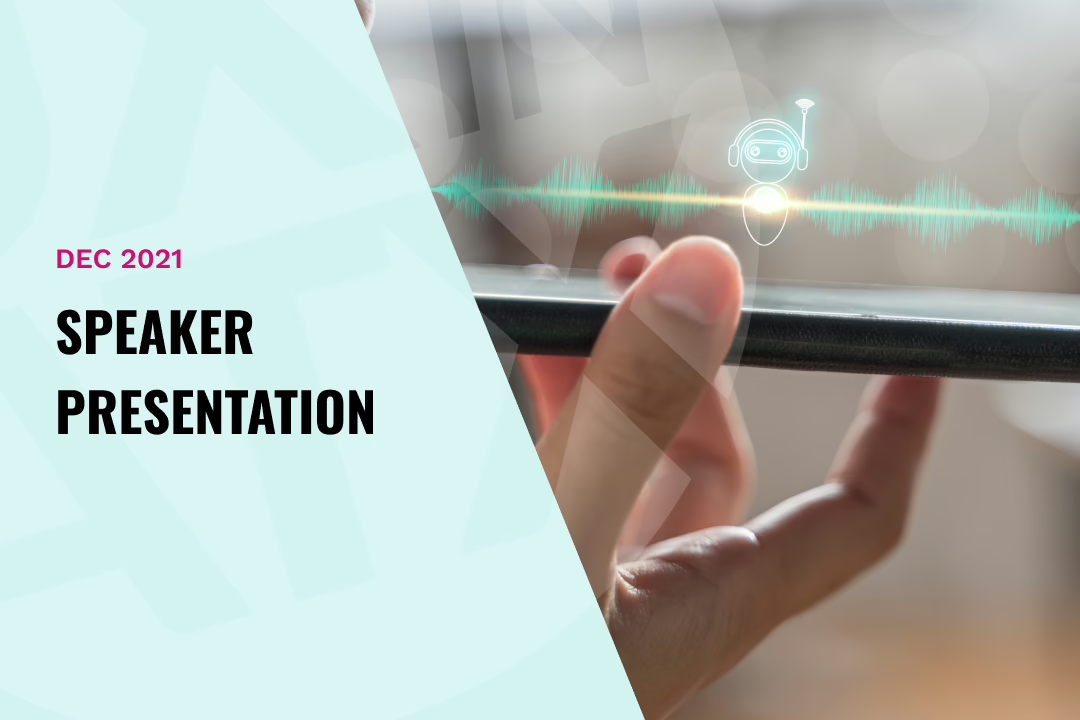
graphic text says dec 2021 speaker presentation
|

How to Get Hired as a Conversation Designer

Session replay:

https://generalassembly.zoom.us/rec/play/TwrBU3mE8QwEf8OwK-Y3do8eXYUaxOhU695fqs_YZwT5sj2wsQ2bkrz0sOu5k038OH8RKBQMK_AkA2g0.5nNILgFUxFzmZeEK

Conversational Design is the fastest growing UX need in the market today, and there aren’t enough Conversation Designers to cover the needs. This makes this skillset one of the strongest designers can currently possess, as it is an applicant’s market.

In this session, attendees

  • became acquainted with and practice the skills employers are looking for in Conversation Designers, including: tuning, AI training, designing conversational flows, and Natural Language Understanding (NLU)
  • developed an understanding of what AI platforms are, which ones are currently the standards, and how to apply them to the design flow
  • learned the Conversational Design prototyping software available for use, and begin exploring their application in creating a prototype
  • Learned the businesses that are hiring for Conversation Design, and how to create a portfolio that demonstrates the skills they need

Download the presentation you missed on Google Drive.

Takeaways:

– The core technology of conversational interfaces
– How to take data, enter it into NLU engines, and apply it to a Conversational Interface
– How to design conversational flows
– Understand natural language understanding (NLU)
– Become acquainted with current Conversational prototyping tools
– An overview of industries who are currently hiring Conversational Designers and why
Similar Posts

  • My Favorite AI Design Tools & Toys (last updated 5 mins ago)

    The world of AI-powered design tools is evolving at lightning speed. New tools emerge, old ones improve, and our workflows shift accordingly. In this session, Oliver Reyes broke down the latest AI design tools he uses daily, from enhancing creativity to streamlining tedious tasks. He’ll share what each tool does, how it works, and—most importantly—how…

  • |

    Auto Layout in Figma

    Learning a new tool such as auto-layout can be confusing or challenging for many designers, but Figma offers some extremely powerful and useful mechanics that can drastically improve your designs. In this session, our Figma expert, Nathan Flores, walked through auto-layout and its ability to provide consistency, flexibility, and a guideline for future work.Topics:

  • UX Isn’t Ready for Agentic AI

    As more products introduce agentic AI, many of the hardest UX challenges aren’t showing up as obvious usability issues. They’re emerging quietly—over time, outside traditional moments of interaction.

    This post explores why agentic systems are stretching the UX playbook, why this isn’t a skills problem, and why UX in ATX is starting 2026 with open questions instead of polished answers.

  • |

    Talk Business as a UX’er

    Learn the importance of effectively communicate the value of you design decisions to stakeholders, gain buy-in for projects, and ultimately ensure that their designs align with the company’s overall business goals by demonstrating how improved user experience translates into tangible benefits like increased sales, customer retention, and cost reduction. Download the slides here