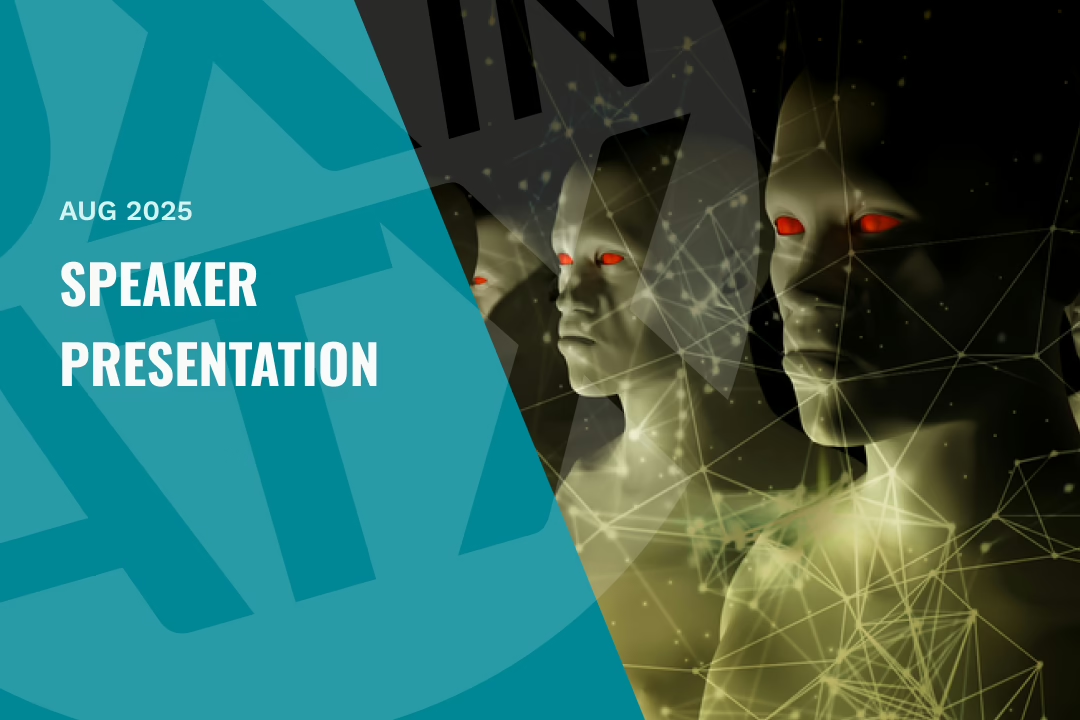
website banner for speaker presentation

My Favorite AI Design Tools & Toys (last updated 5 mins ago)

The world of AI-powered design tools is evolving at lightning speed. New tools emerge, old ones improve, and our workflows shift accordingly.

In this session, Oliver Reyes broke down the latest AI design tools he uses daily, from enhancing creativity to streamlining tedious tasks. He’ll share what each tool does, how it works, and—most importantly—how you can integrate them into your own workflow to boost efficiency and spark inspiration.

Similar Posts

  • Art of the Prompt

    Designers have always been translators—turning complex business needs + user goals into experiences. Now, we’re shifting more to translating human intent into AI understanding, and it’s truly transforming how we work. In “The art of the prompt,” explore how prompting has evolved into a strategic design competency. You’ll discover practical frameworks for using thoughtful prompt…

  • |

    Auto Layout in Figma

    Learning a new tool such as auto-layout can be confusing or challenging for many designers, but Figma offers some extremely powerful and useful mechanics that can drastically improve your designs. In this session, our Figma expert, Nathan Flores, walked through auto-layout and its ability to provide consistency, flexibility, and a guideline for future work.Topics:

  • |

    Talk Business as a UX’er

    Learn the importance of effectively communicate the value of you design decisions to stakeholders, gain buy-in for projects, and ultimately ensure that their designs align with the company’s overall business goals by demonstrating how improved user experience translates into tangible benefits like increased sales, customer retention, and cost reduction. Download the slides here